FitBridge
FitBridge brings fitness equipment, Bluetooth sensors, and workout apps together. It connects to a nearby exercise machine and optional sensors, displays live measurements, and broadcasts a normalized Bluetooth Fitness Machine Service (FTMS) device of the closest matching type. A watch, bike computer, or training app can receive that workout from FitBridge.
FitBridge chooses a source for each metric and maintains cumulative workout values through temporary connection changes. It can also calculate some workout values from known measurements when a direct source is unavailable, such as speed and distance from cycling wheel counts and a configured wheel circumference. What it can calculate depends on the connected devices and the data they send; values without a direct source or a supported calculation remain unavailable.
Install FitBridge
FitBridge requires Android 11 or newer and a phone with Bluetooth Low Energy support. Install it from Google Play, open it, and grant the requested Bluetooth permissions. Keep Bluetooth enabled during scanning and workouts.

Start a workout
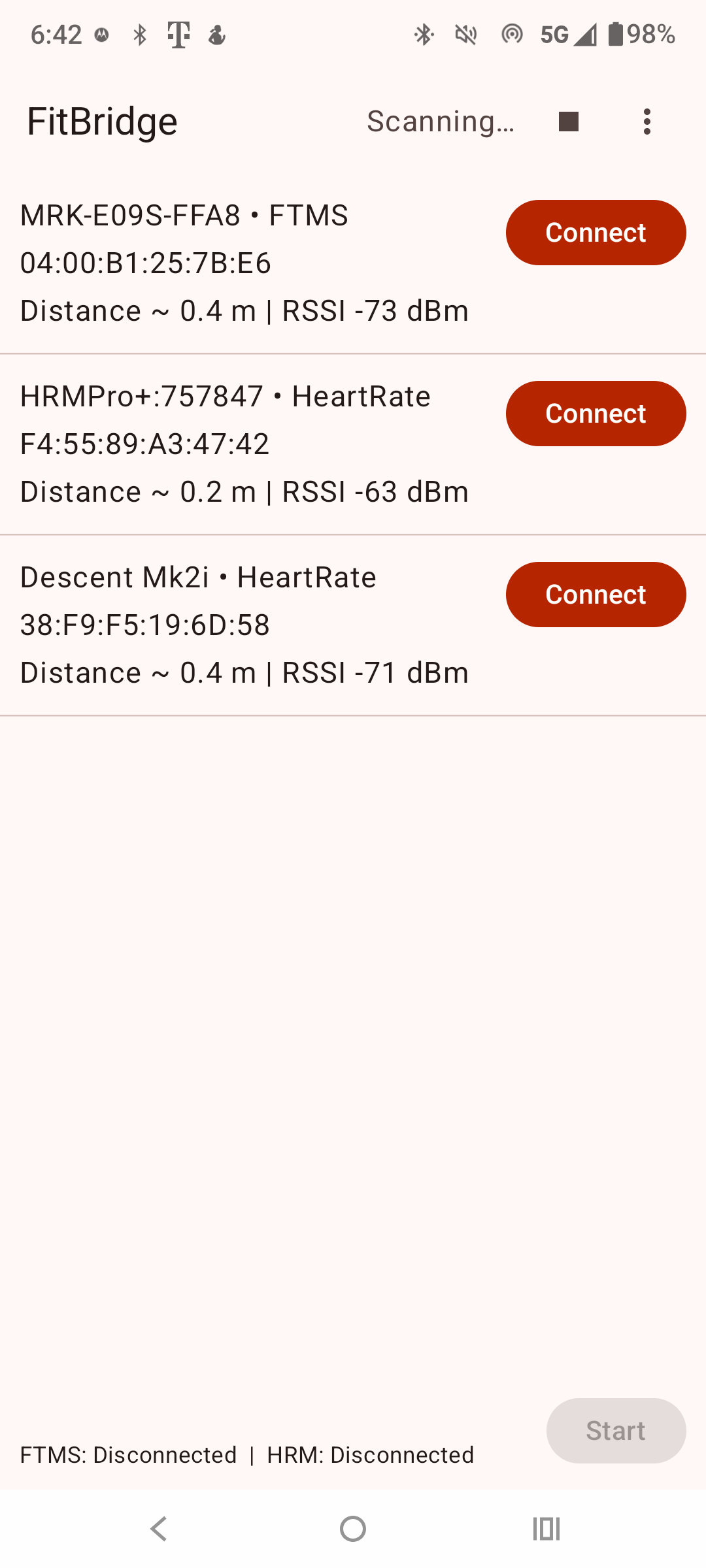
- Turn on your machine and sensors, open FitBridge, and allow Bluetooth access. The scanner shows supported nearby equipment.
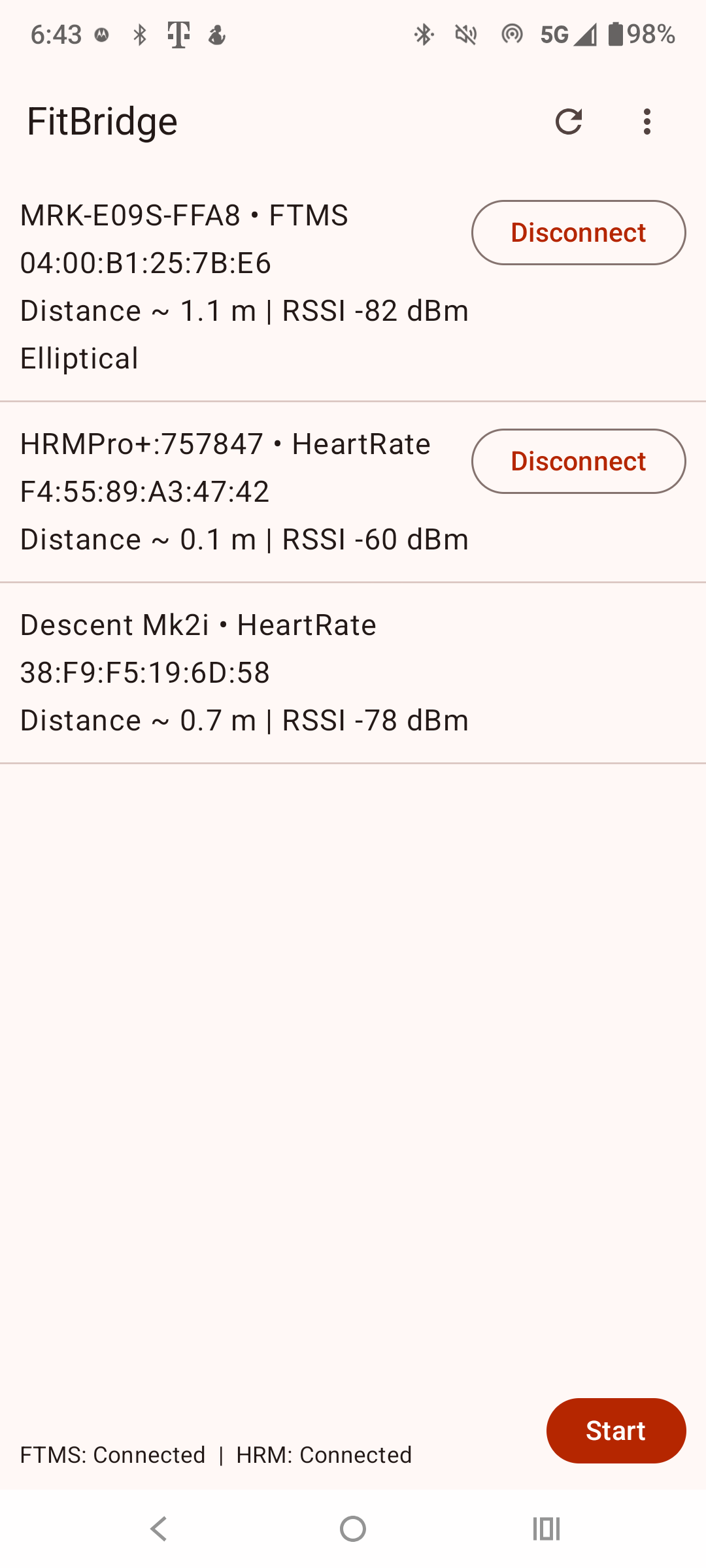
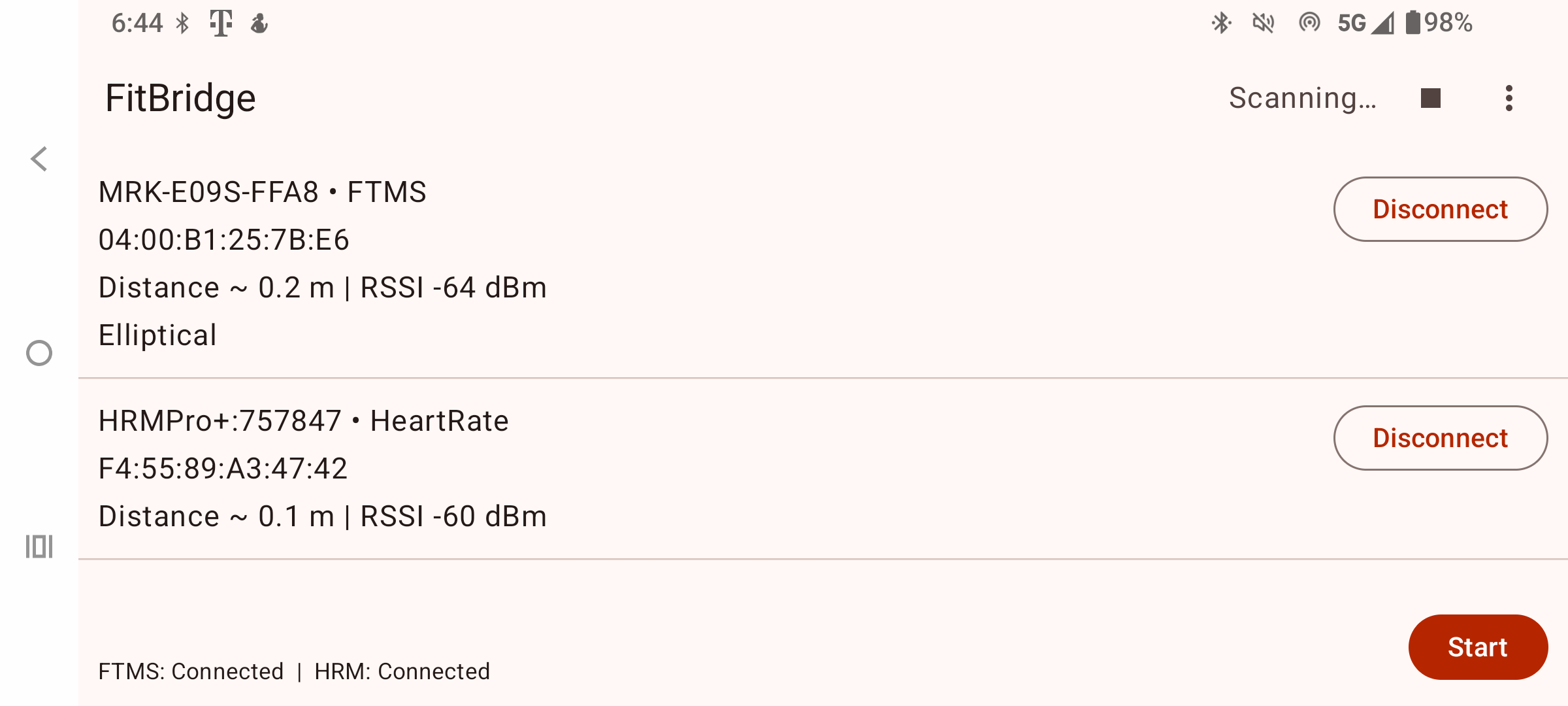
- Connect one exercise machine if you have one. Use the sensor controls to add a heart rate strap, footpod, cycling speed/cadence sensor, or power meter as needed.
- Check the session mode and select the activity that matches your workout when a choice is offered. Modes include biking, treadmill, rowing, elliptical, stair climber, step climber, and heart rate.
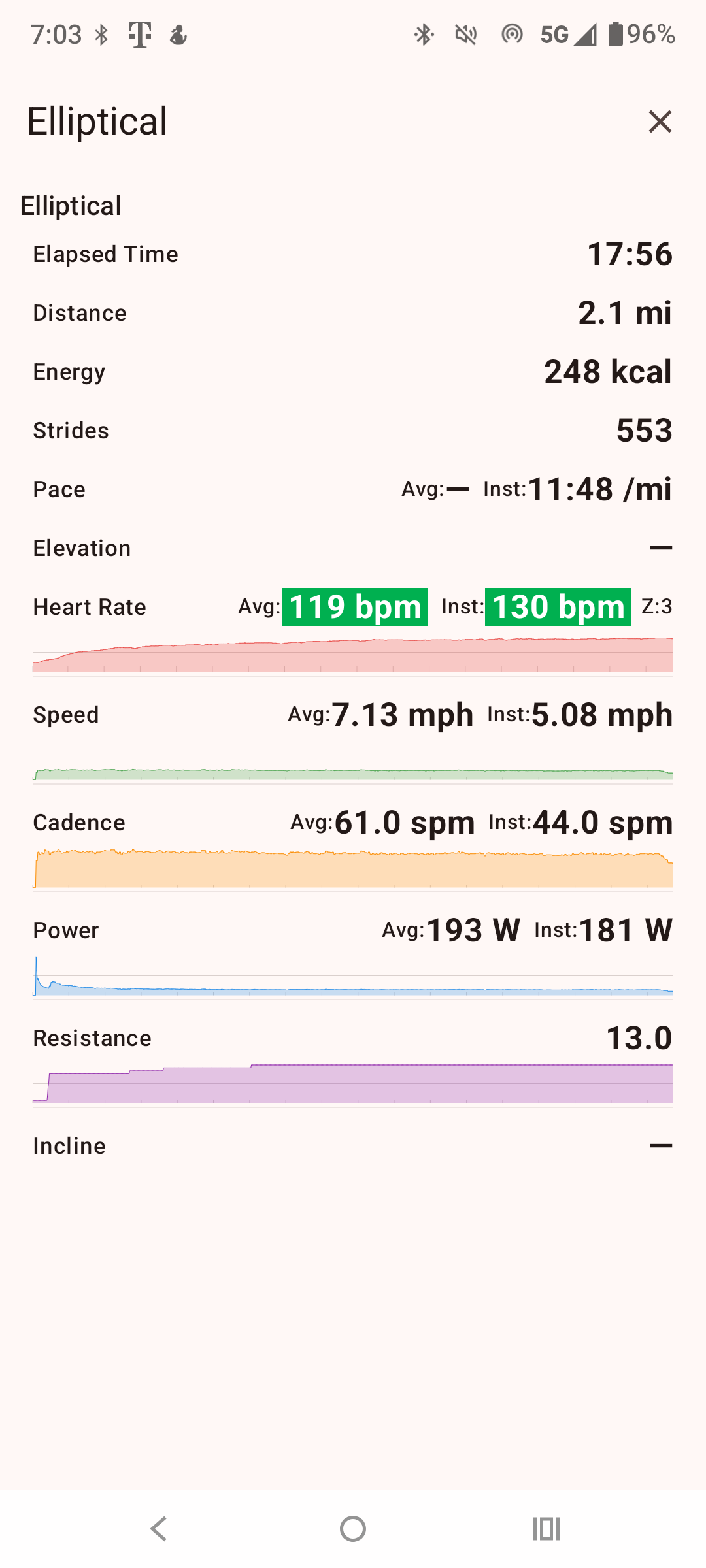
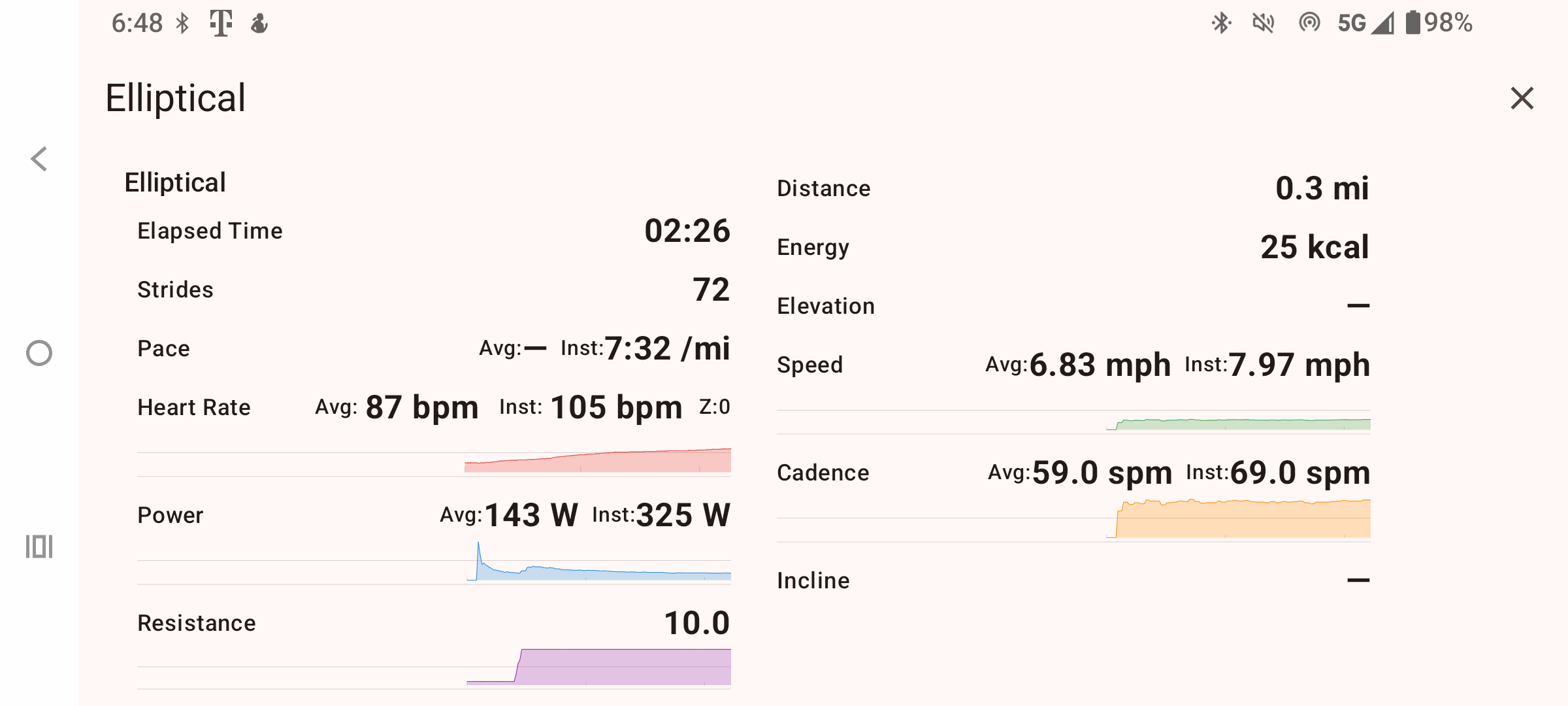
- Tap Start to open the live workout screen. Watch the available heart rate, speed or pace, cadence or stroke rate, distance, power, resistance, and elapsed time.
- In your watch or training app, scan for FitBridge and connect to its FTMS profile. Start recording there if that app requires it.
No machine connection is required for supported sensor-only modes. FitBridge can construct a bike profile from separate cycling speed/cadence (CSC) and cycling power (CPS) sensors. For a treadmill profile, a standalone running speed/cadence (RSC) sensor can supply running metrics, or a Stryd footpod can provide RSC together with power where its CPS service is available. Select the matching session mode before starting; the downstream FTMS profile combines measurements from those sensors with supported values calculated from them.
Device selections and sensor assignments last for the current app session; reconnect them after relaunching.
FitBridge settings guide explains units, heart rate zones, sensor calibration, Kayak First display options, and Life Fitness setup fields.
Advanced: combine multiple devices into one workout
- Connect the primary machine first. FitBridge uses one selected machine adapter at a time to establish the workout type and the downstream FTMS profile.
- Add as many useful independent sensor links as your phone can maintain. For example, pair a bike with a heart rate strap and a cycling power meter, or a treadmill with a running footpod.
- Where source assignment is available, choose the preferred source for each metric. This lets a strap supply heart rate while the machine supplies distance, or a power meter supply power while a bike supplies cadence. Otherwise FitBridge selects fresh, suitable measurements automatically.
- Start the session and check the live metrics. FitBridge combines the selected measurements into one workout feed, preserving cumulative distance across brief source changes or reconnects.
- Connect downstream apps and devices to FitBridge, rather than separately to each upstream sensor. They receive one matching FTMS workout; cycling speed/cadence and power services are also available where appropriate.
FitBridge advertises measurements it can receive or calculate from available data, and only machine controls it can safely pass through. A measurement-only machine will not gain remote resistance, speed, or incline control merely by connecting through FitBridge. The number of downstream connections depends on the phone's Bluetooth capabilities.
Supported devices and protocols
These are implemented input families. Named devices reflect compatibility paths or packet evidence; behavior can vary by model and firmware, and some proprietary families are measurement-only.
- Standard FTMS machines: indoor bikes, treadmills, rowers, cross trainers, stair climbers, and step climbers. Known compatibility paths include Bowflex C7, Schwinn IC4/IC8 and 230/510, Stages SB20, Merach MR667, and Mr Captain rowers.
- Standard Bluetooth sensors: heart rate monitors (HRM), running speed and cadence footpods (RSC), cycling speed and cadence sensors (CSC), and cycling power meters (CPS). Examples include Stryd, NPE RUNN, Technogym Run/MyRun, Zwift RunPod, and Stages SC3.
- Concept2 PM5: RowErg, SkiErg, and BikeErg measurements through the PM5 Bluetooth protocol.
- Other equipment: Precor Spinner Chrono Power, Life Fitness equipment with vendor setup and FTMS measurements, Schwinn 170/270/570U, KayakFirst Blue and Orange paddling machines, Keiser M-series bikes, and Flywheel Sports bikes.
- Smart trainers: Wahoo KICKR families through available standard FTMS/CPS services and qualified legacy control paths. Proprietary control depends on the exact model and firmware.
The downstream profile is the closest matching FTMS bike, treadmill, rower, cross trainer, stair climber, or step climber. A separate heart rate strap can replace machine heart rate in the shared workout.
Where connected devices support app controls, like resistance, speed, incline, simulation, etc., FitBridge provides matching controls to the downstream app connection and will pass through control signals sent by the client.
Screens