
FitBridge
Absolute Bollocks Creations proudly offers a new application for monitoring and sharing data from various fitness machines.
FitBridge is an application designed to improve the user experience when using Smart fitness equipment. FitBridge connects to the fitness machine to collect and display session data, similarly to KinoMap, Zwift, or TrackMyIndoorWorkout, etc. It then creates and rebroadcasts a virtual Fitness Machine profile matching the connected device so that the session can be shared with another app simultaneously.
The FTMS protocol allows only a single connection to a fitness machine. You cannot normally connect the machine to an App like KinoMap or Zwift and simultaneously also connect to your fitness tracker to records the metrics, for example. With FitBridge you can do this!
To facilitate the most flexibility, FitBridge breaks the rules and allows you to connect up to 3 other apps or devices to the virtual fitness machine. Monitor the session natively with the rich graphical session UI of FitBridge itself while rebroadcasting to your fitness tracker, or leverage FitBridge to connect both your fitness tracker and your favorite app (KinoMap, Zwift, Fitshow, whatever) at the same time!
Using The Application
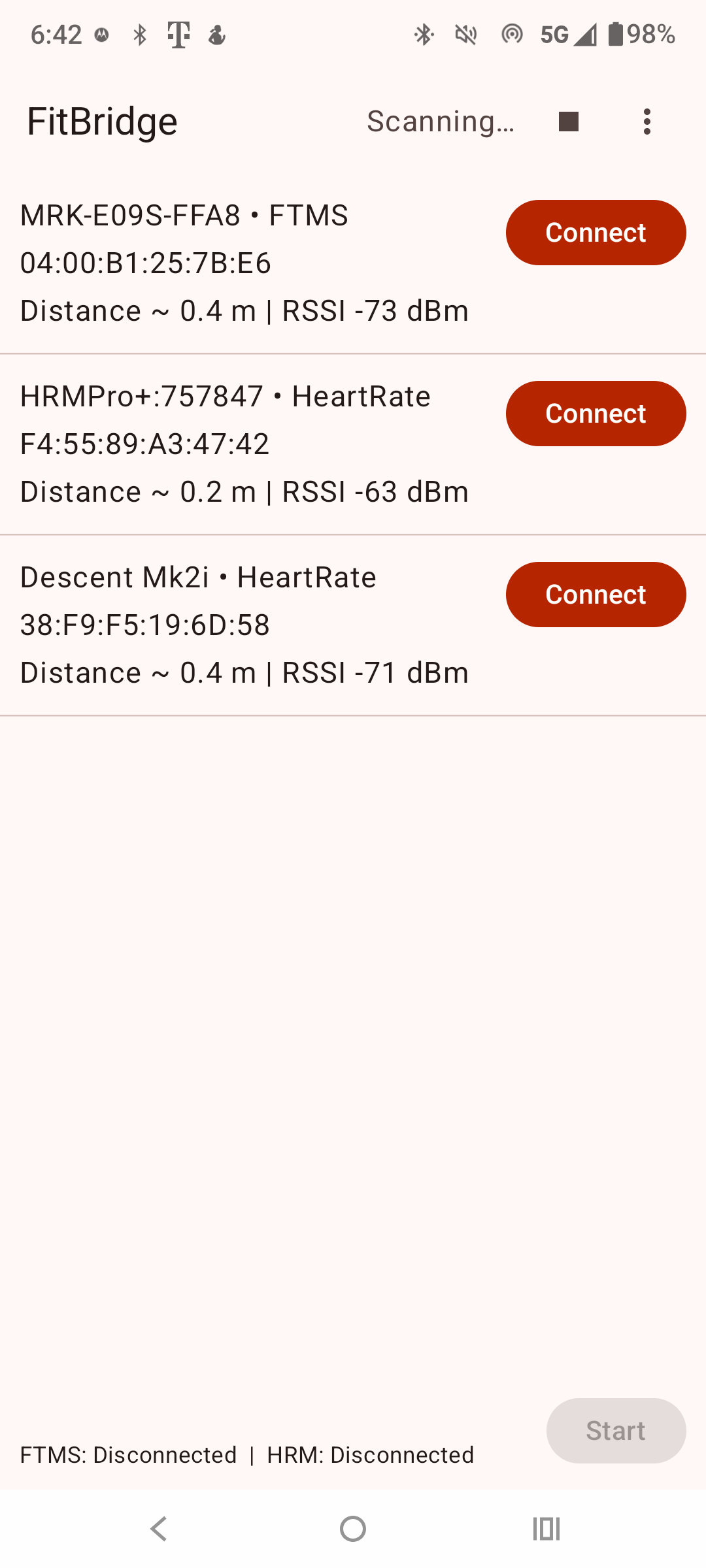
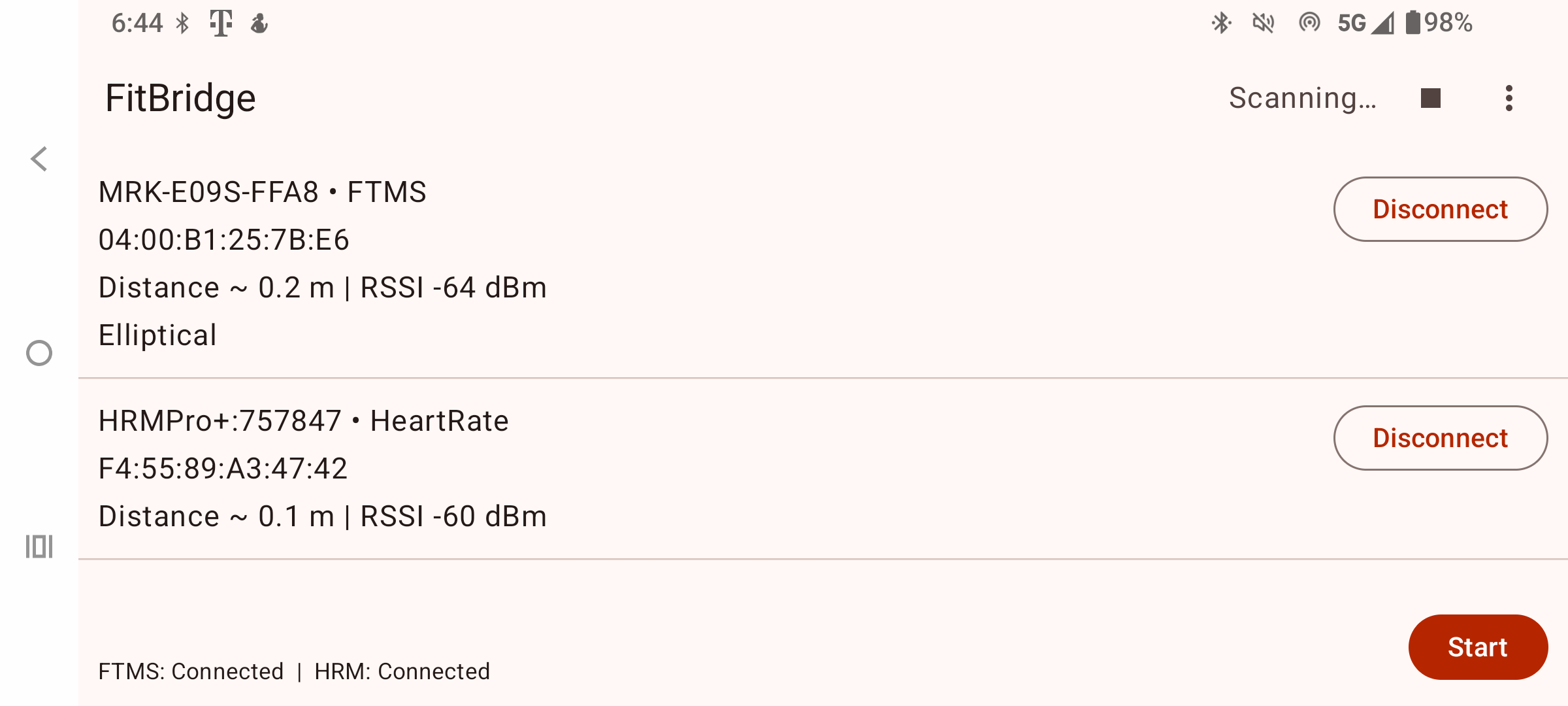
On launch the application will scan for supported devices nearby. Tap Connect to form a Bluetooth connection to one or more supported devices. You can only connect to one device of each class, i.e. one FTMS compatible fitness machine and one Heart Rate Monitor. Additional sensor types will be added in a future release.
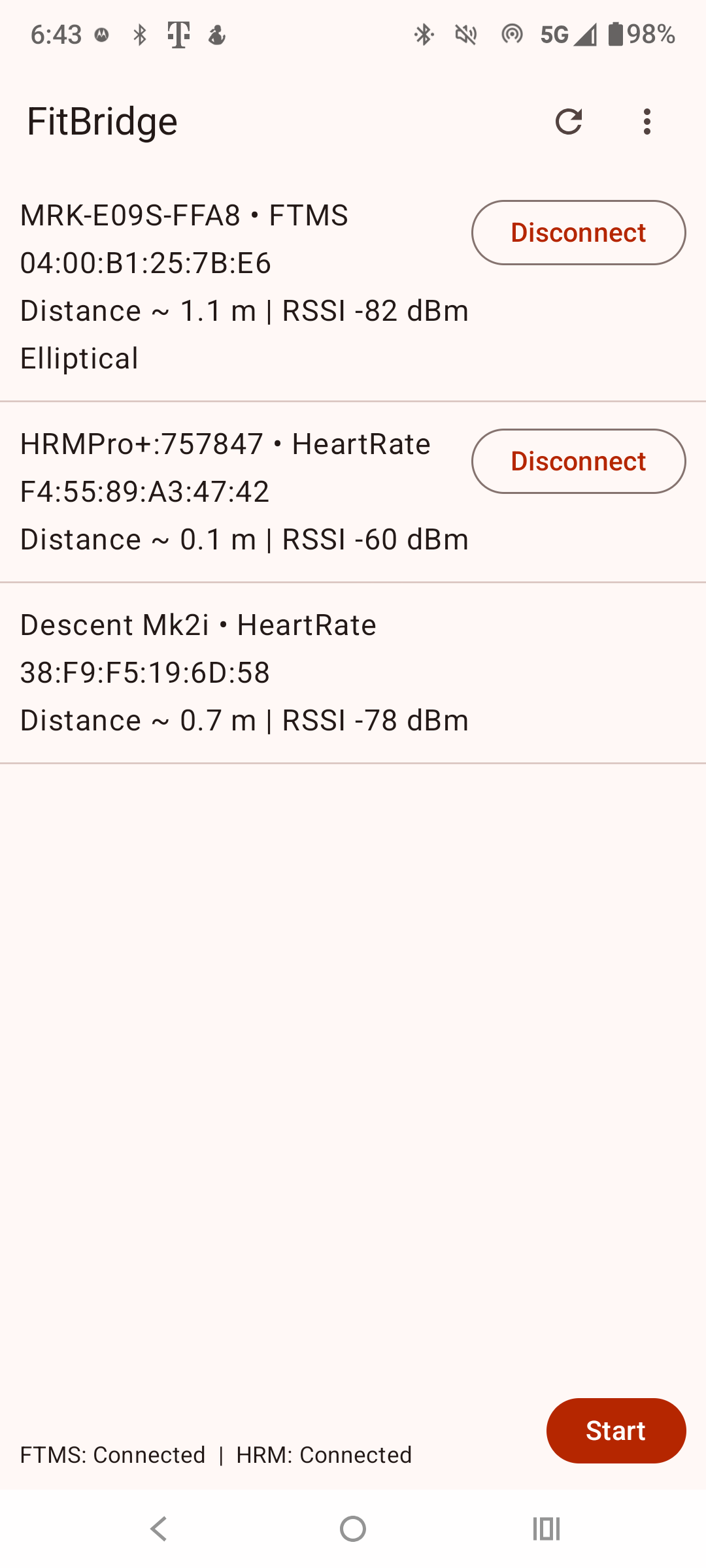
Once connected to a fitness machine, the app will begin broadcasting a virtual fitness machine profile named 'FitBridge' that has the same machine type characteristics as the physical machine. You may connect up to 3 other devices or applications to the FitBridge virtual device. Connect your Smartwatch or other applications, like Kinomap, and all connected devices will receive data in parallel.
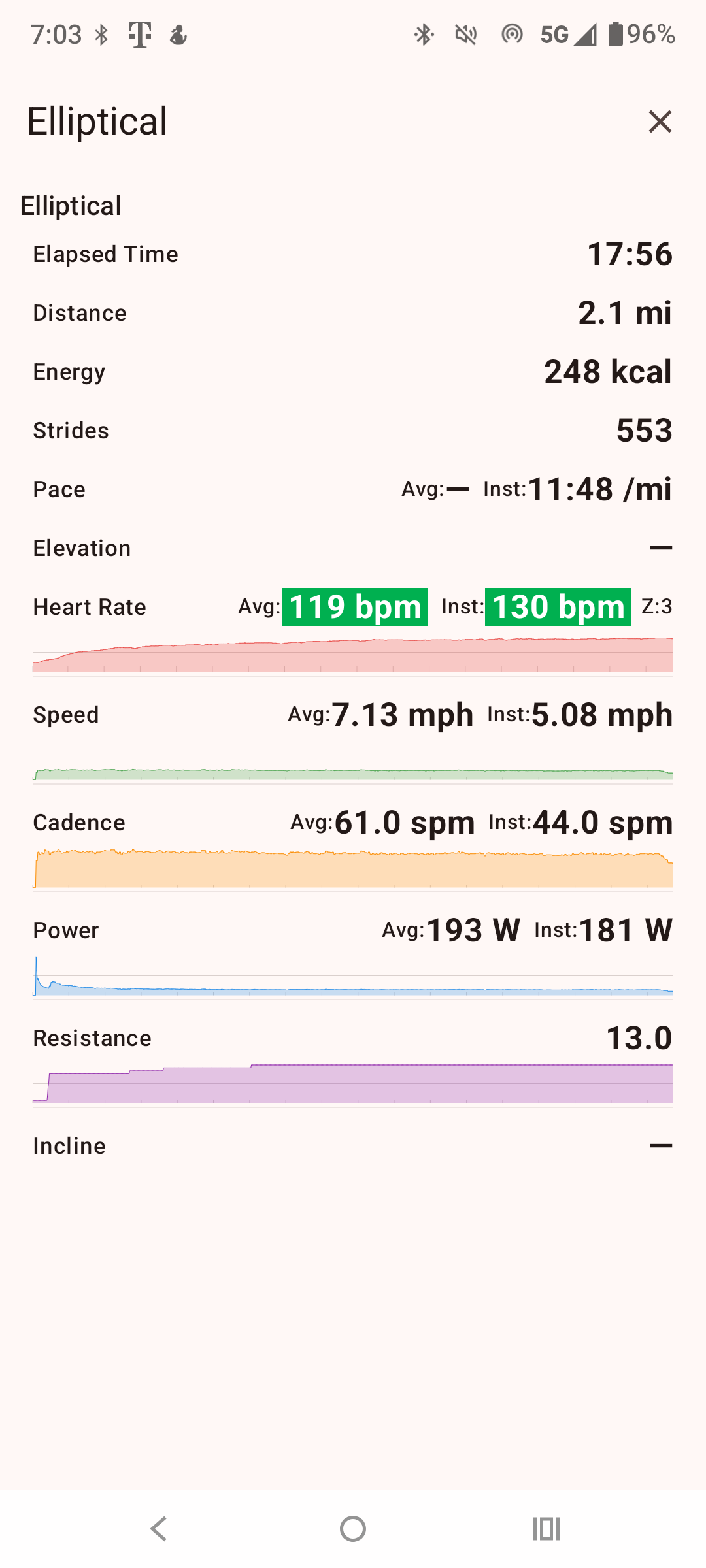
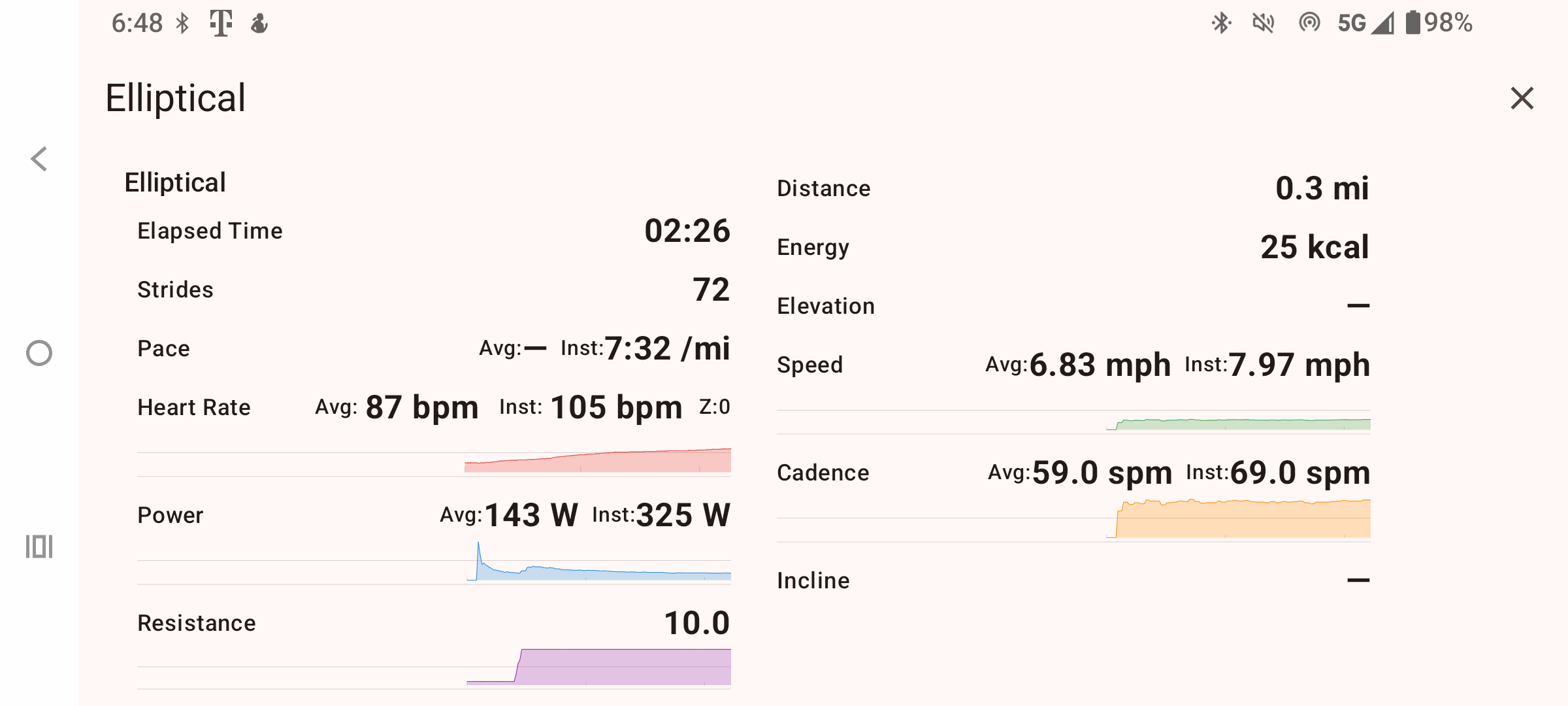
Click Start on FitBridge to begin the session and display the workout metrics screen. Simultaneously you should also start your other connected applications to begin receiving data.
NOTE: it may take up a few seconds to begin receiving data on the downstream connected applications.
Screens
Garmin Users
Garmin users already using my FTMS datafield apps, FitBridge is explicitly designed for you!
I created this app primarily to help in cases where Garmin's Bluetooth stack is failing to connect to some devices. Using Bluetooth on the Android device is much more robust. FitBridge should help you connect to most devices failing to connect natively to your Garmin device using my apps.
Terms & Conditions | Privacy Policy | Contact