FTMS All Sync – Row Indoors
Run FTMS All Sync as a full activity on your Garmin device, connect to FTMS-compatible rowing machines, and capture stroke rate, power, pace, and distance directly into your workout file.
Links open the official Garmin Connect IQ Store in a new tab.
What Row Indoors Mode Does in FTMS All Sync
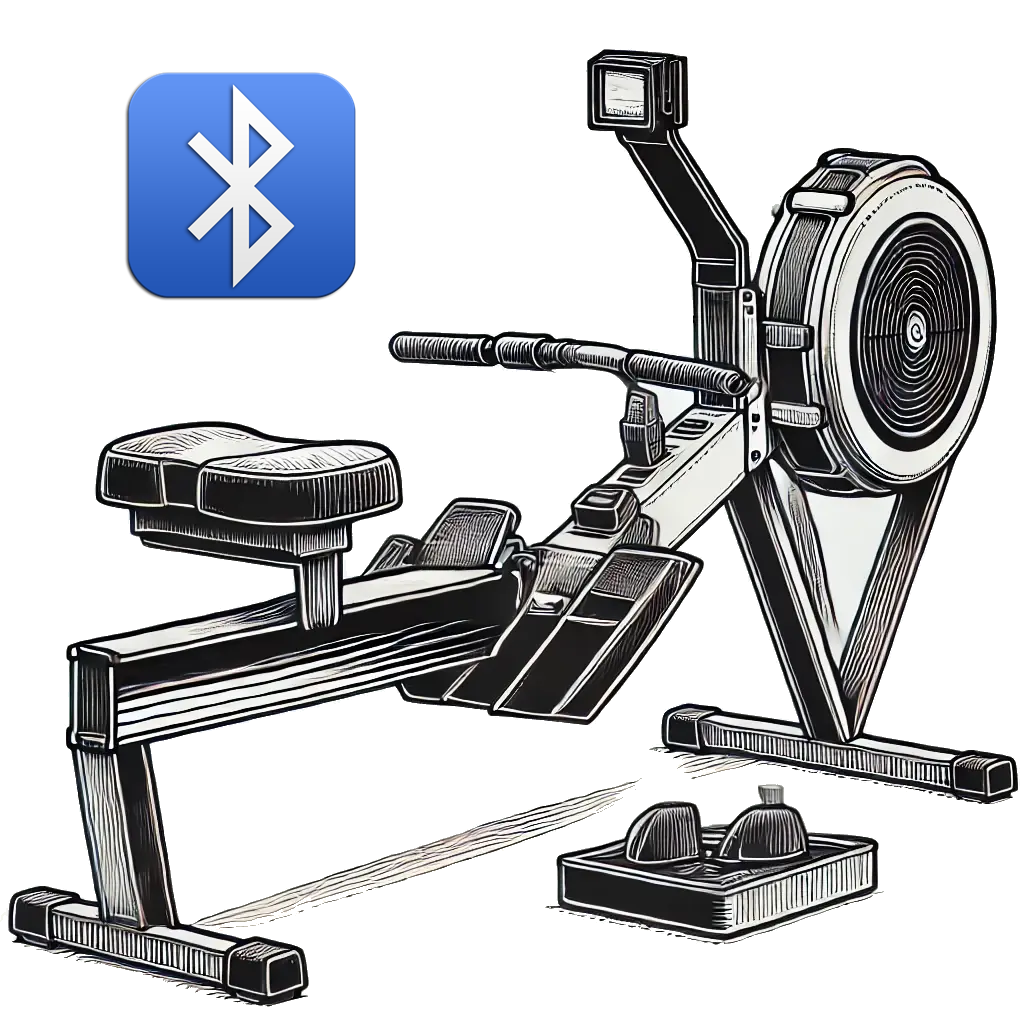
When you set the activity type to Row Indoors in FTMS All Sync, the app connects your Garmin device to FTMS-compatible rowing machines over Bluetooth. During your workout it reads metrics like stroke rate, power, speed, distance, and pace from the trainer and records them into the activity for later review in Garmin Connect.
FTMS All Sync runs as a full custom Activity, giving you:
- A dedicated indoor rowing activity profile inside FTMS All Sync
- Six configurable data fields on the main page
- Optional Pro Mode features such as a second metrics page, alarms, and dynamic profiles
Rower mode is designed to work with FTMS rowing machines and can show both classic rowing metrics (stroke rate, distance, pace) and advanced power data when your device supports it.
How Rowing Looks in FTMS All Sync
During a rowing activity, FTMS All Sync presents up to six metrics at once using a clear, high-contrast layout that stays readable even during harder intervals and high stroke rates.
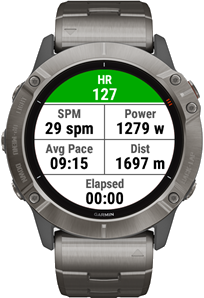
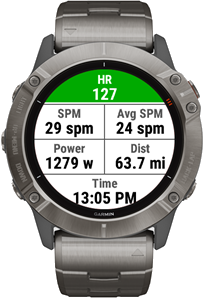
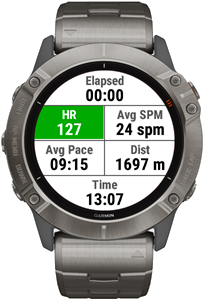
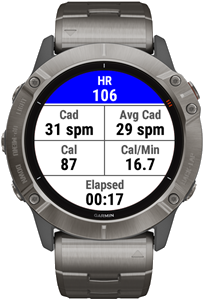
Note: Exact layouts and available metrics depend on your Garmin device and the capabilities of your rowing machine.
Smart Trainer Metrics (from the Rower)
These metrics are read directly from your FTMS-compatible rowing machine (when supported by your trainer) and stored in the activity:
- Instant Speed
- Average Speed
- Peak Speed
- Instant Stroke Rate
- Average Stroke Rate
- Peak Stroke Rate
- Total Stroke Count
- Instant Power
- Average Power
- Peak Power
- Total Distance
- Distance (meters)
- Instant Pace
- Average Pace
- Lap Pace
- Resistance Level
- Calories
- Elapsed Time
Garmin Device Metrics
These values come from your Garmin watch or bike computer and can be shown alongside your rowing data:
- Heart Rate
- Average Heart Rate
- Max Heart Rate
- Energy Expenditure (Cal/min)
- Clock Time
All of these metrics are written into your activity file and can be reviewed later on the Stats and Charts tabs in Garmin Connect or in compatible third-party platforms.
Compatibility Notes
Row Indoors mode in FTMS All Sync is designed for machines that support the standard FTMS Bluetooth profile for rowers. In marketing material this may be listed as:
- “FTMS”
- “Bluetooth Smart Rower”
- “BLE FTMS support”
Some commercial or gym rowers use proprietary Bluetooth protocols and may not be detected by the app. If your rowing machine is not found during scanning, please see the FTMS All Sync overview and the FTMS FAQ & Troubleshooting page for tips on verifying FTMS support and testing with the BleScan tool.
Terms & Conditions | Privacy Policy | Contact